Guides
指南
在瀏覽器中安全處理檔案的實用指南與見解。每篇文章皆直接連結至對應工具。
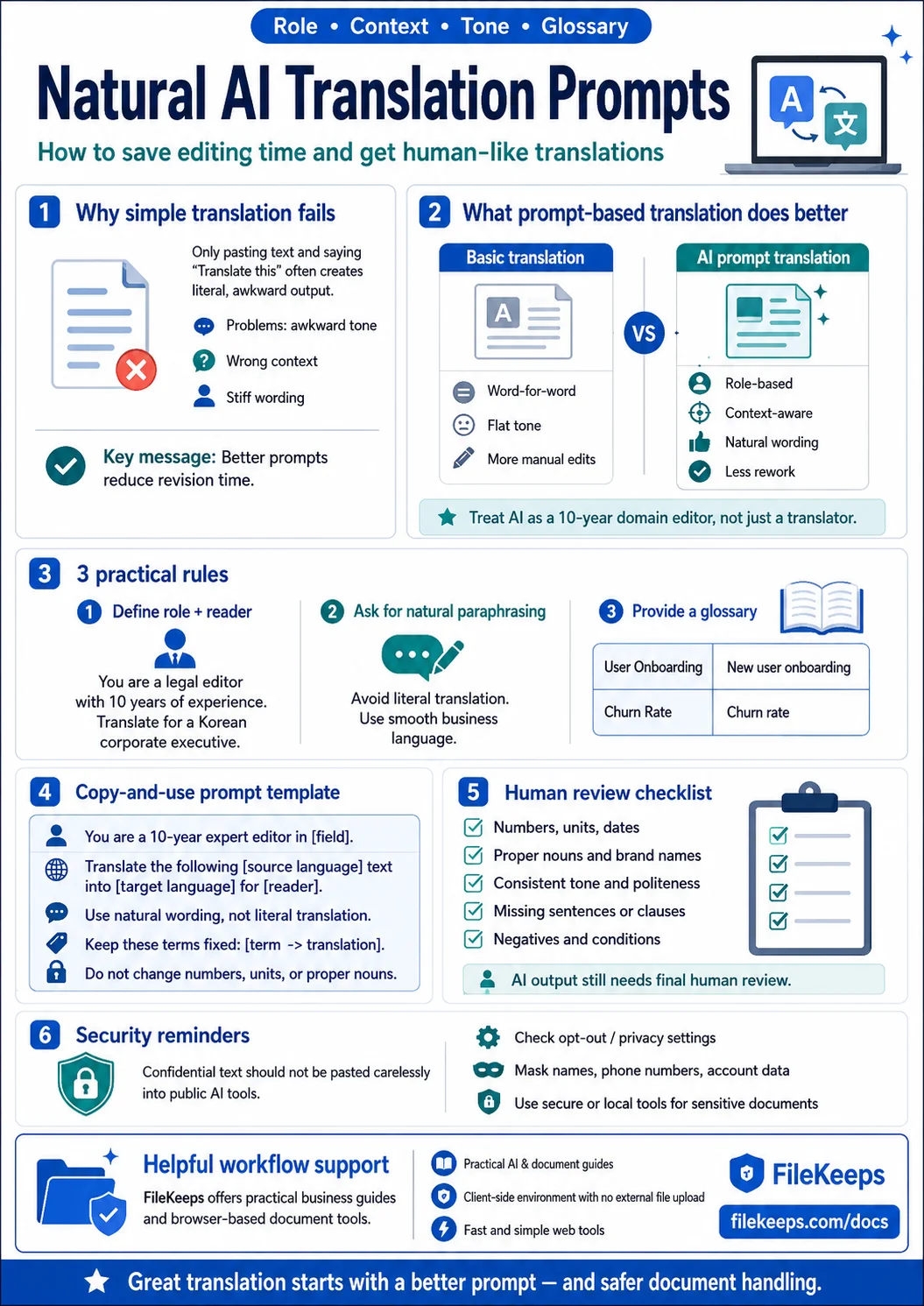
AI Translation: Don't Just Paste It Into a Translator — A Practical Guide to Prompting
Stop pasting your source text and just saying 'translate this.' A hands-on guide to AI translation prompts that set the role, context, and glossary to produce natural, human-sounding results — plus what to double-check afterward.
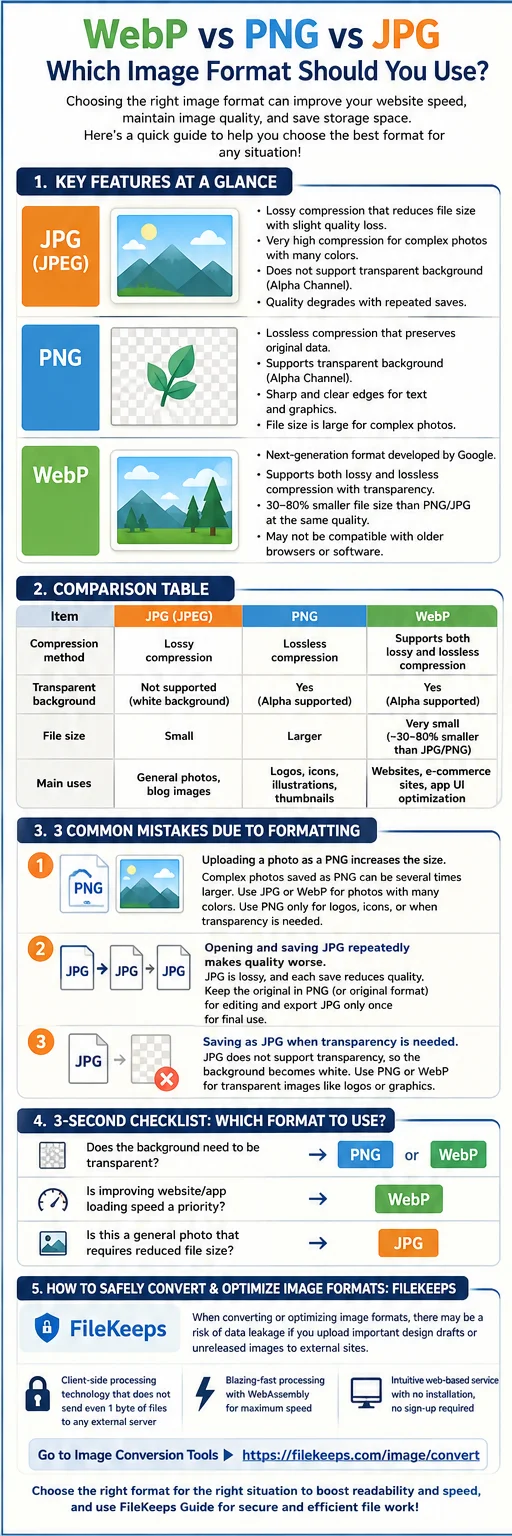
The Complete Guide to Image Formats: WebP, PNG, and JPG Differences and How to Use Each in Practice
How the three main web image formats differ and how to pick the best one for each situation—plus a way to convert them right in your browser.
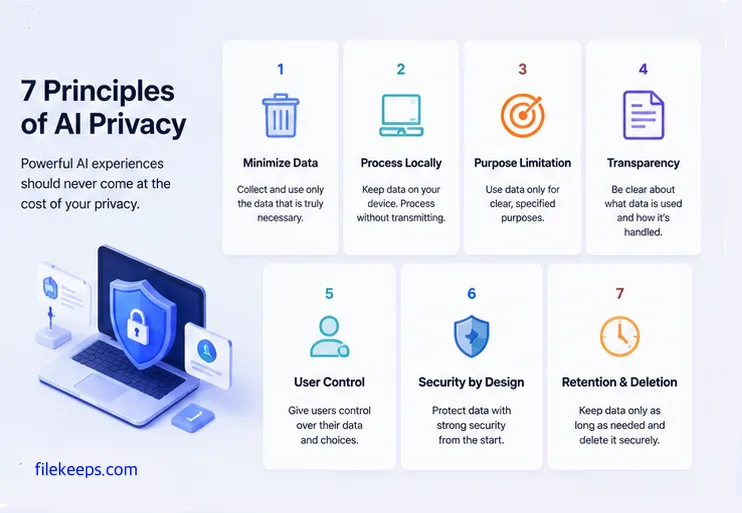
Privacy in the AI Era: 7 Practical Ways to Protect Your Files
7 concrete and actionable rules to safeguard your data while using AI tools.
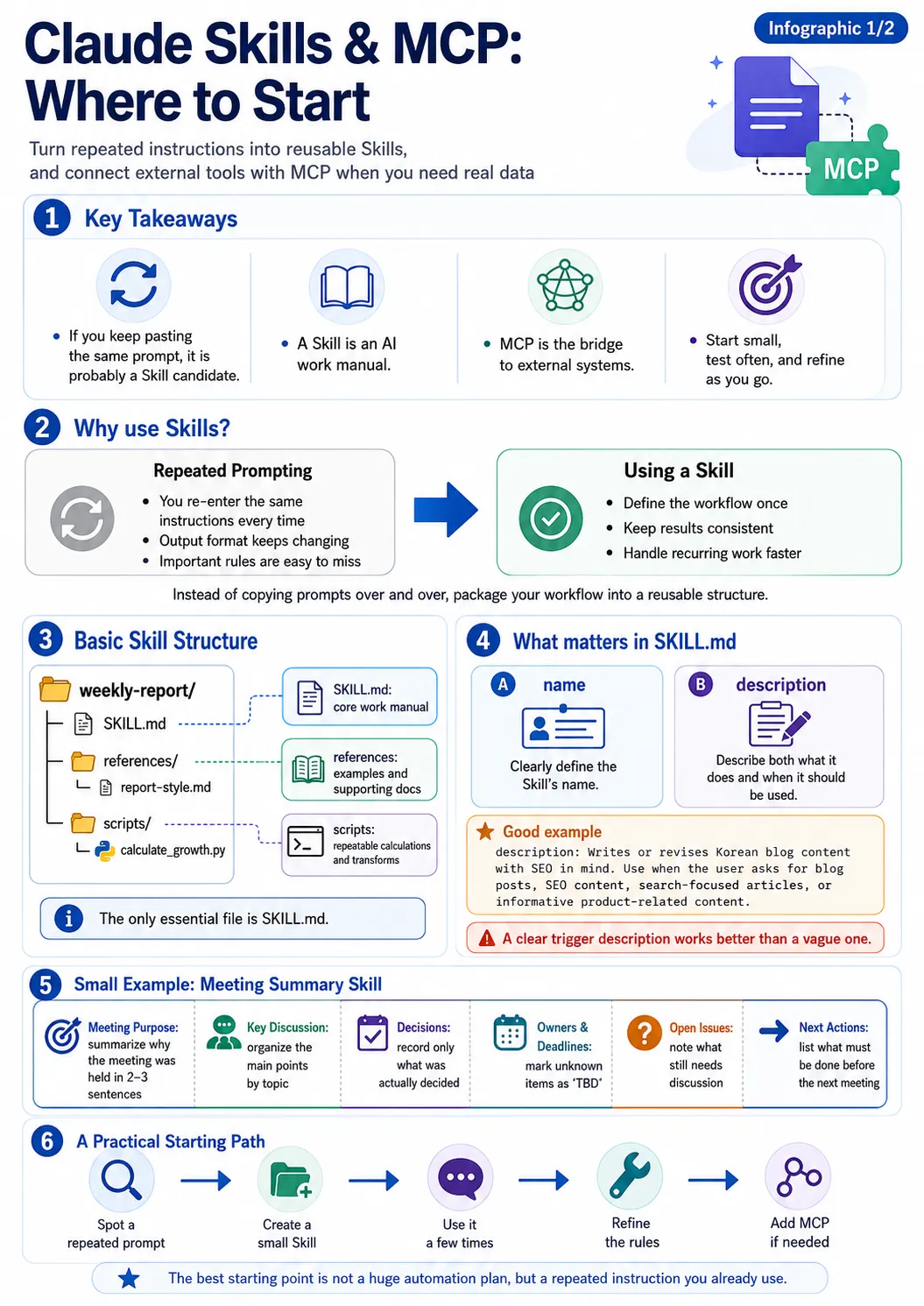
Creating Your Own Claude Skills: An Introduction to skill-creator and mcp-builder
Learn how to bundle repetitive tasks into Claude skills, create skills using the official skill-creator, and connect external tools with mcp-builder.
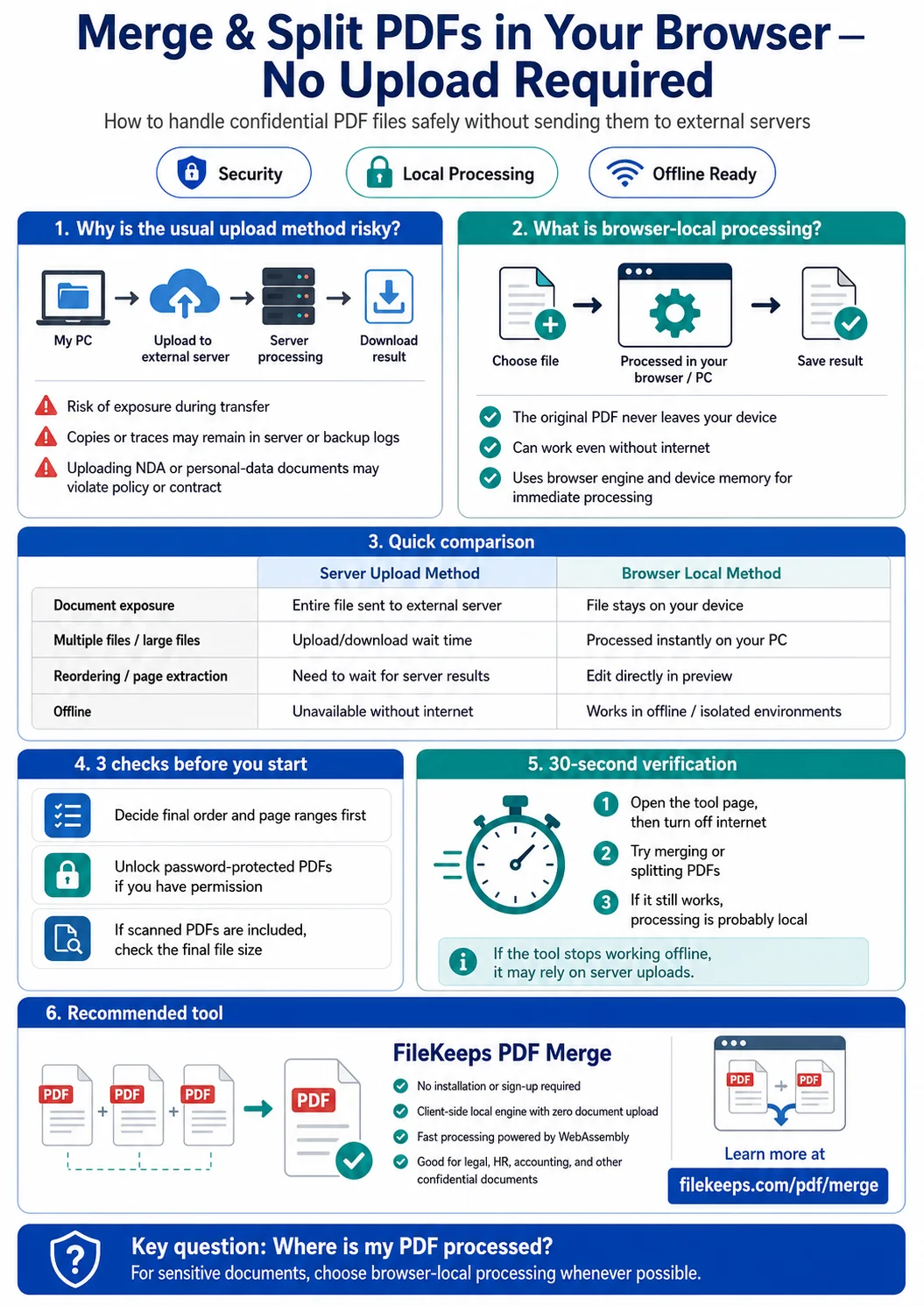
Merging and Splitting PDFs Entirely in Your Browser, No Upload Required
How to combine several PDFs into one or pull out only the pages you want, processed safely inside your browser without uploading your files to a server.
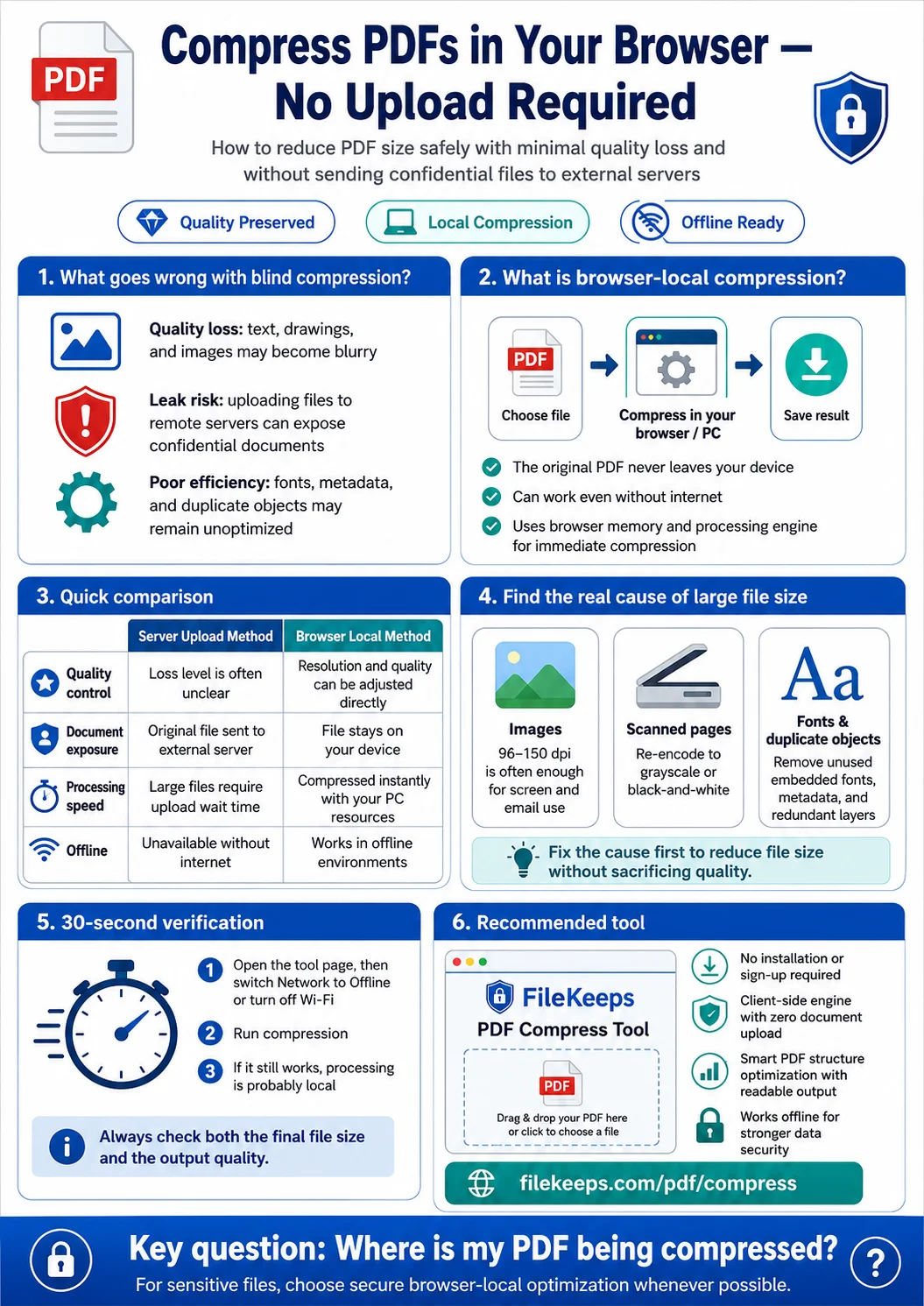
How to Shrink a Large PDF in One Go — Without Quality Loss or Leak Worries
Practical ways to slim down heavy PDFs that keep hitting email-attachment or upload limits.
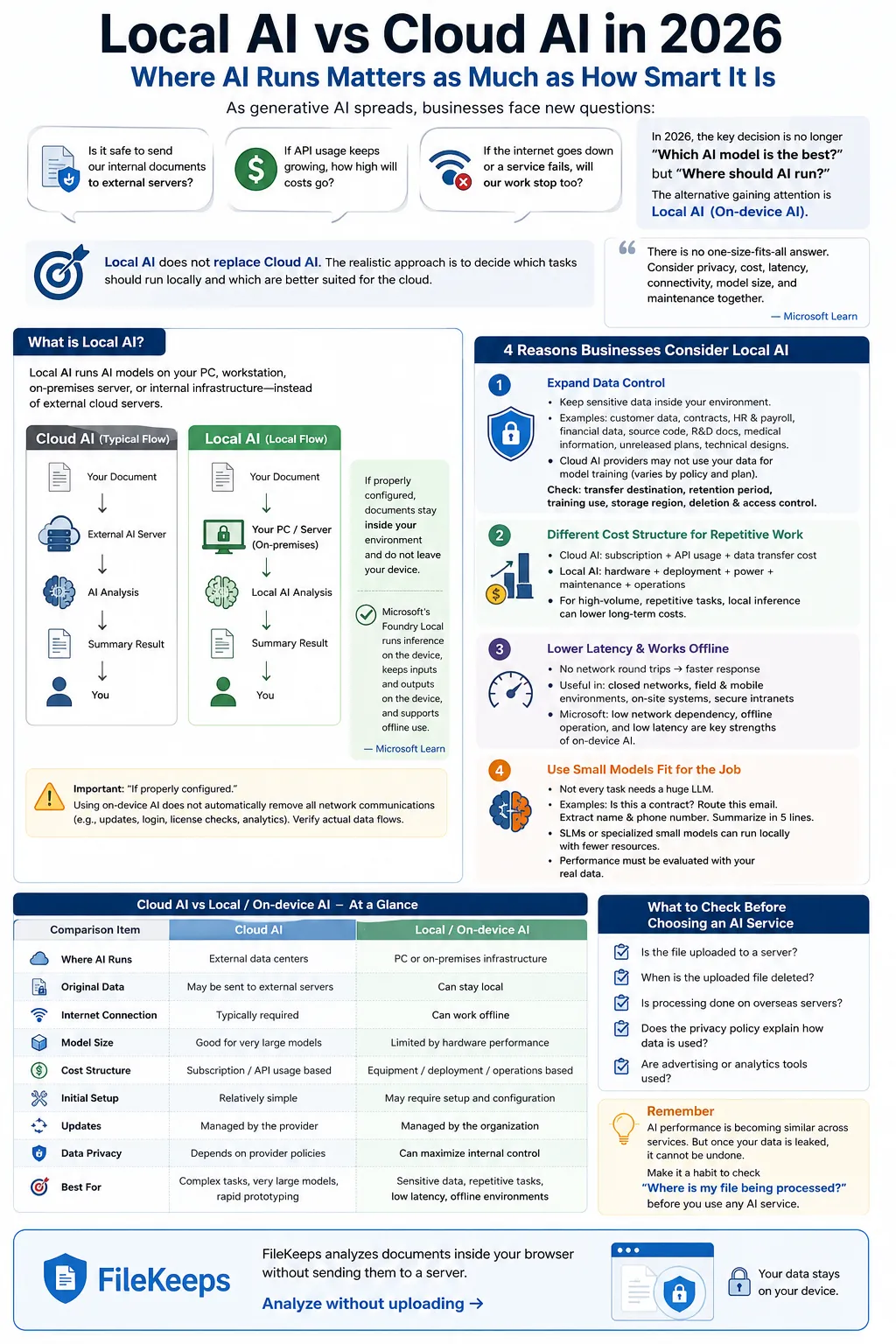
Why Businesses Should Consider Local AI Over Cloud AI in 2026
Why on-device AI is emerging as an alternative for data control, cost, latency, and compliance—along with its honest limitations.
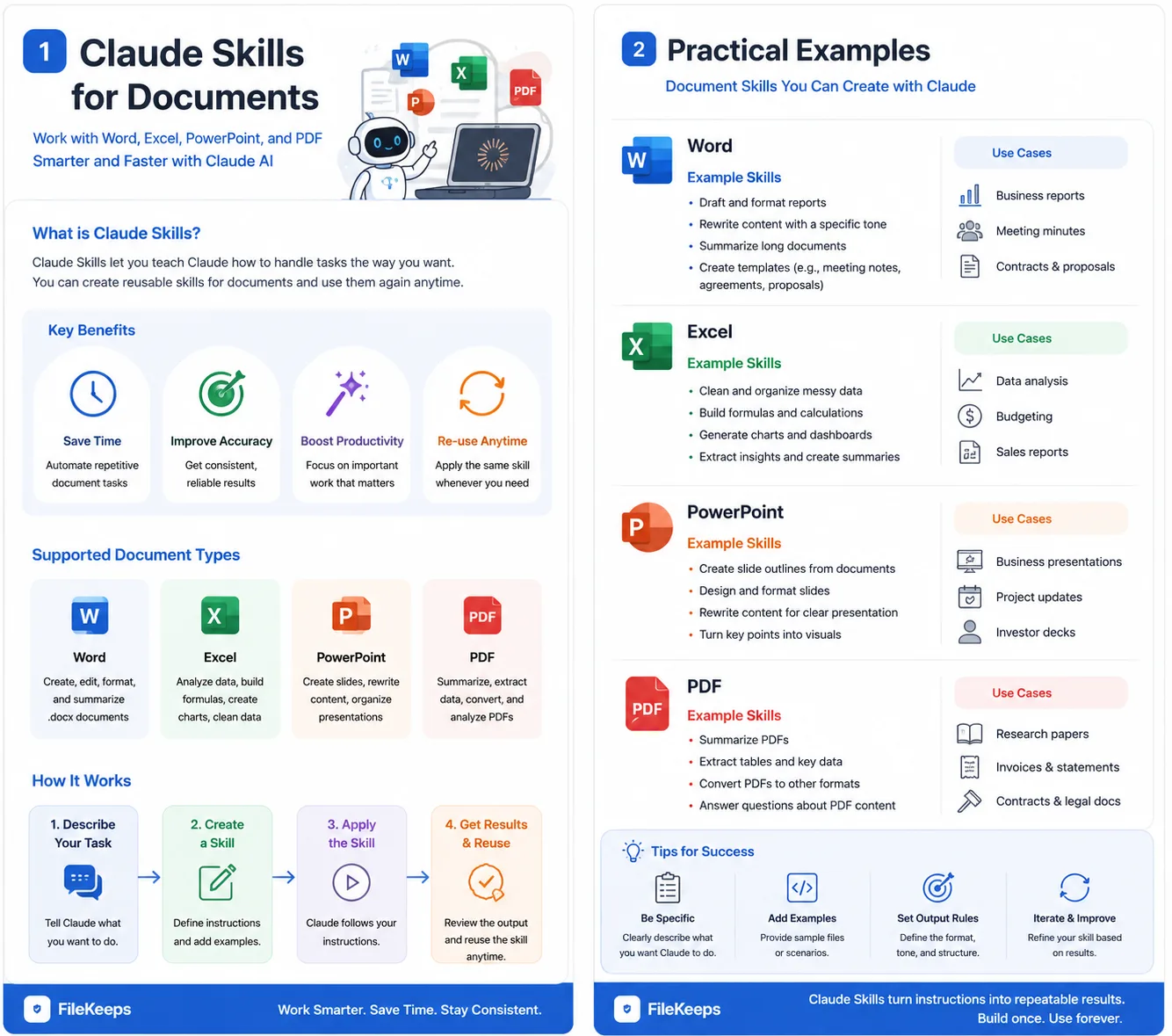
How to Automatically Generate Word, Excel, PPT, and PDF with Claude: 4 Essential Document Skills
Learn how to automatically create and edit office documents using Claude's official document skills (docx, xlsx, pptx, pdf), along with best practices for handling sensitive files securely.